
Free YouTube Thumbnail Maker
Design click-ready thumbnails at 1280 × 720 — the size YouTube recommends, built for how thumbnails are actually seen: tiny, in a fast-scrolling feed. Pick a high-contrast colorway, add a punchy headline, download a PNG. Free forever, no account needed, and your words never leave your browser.
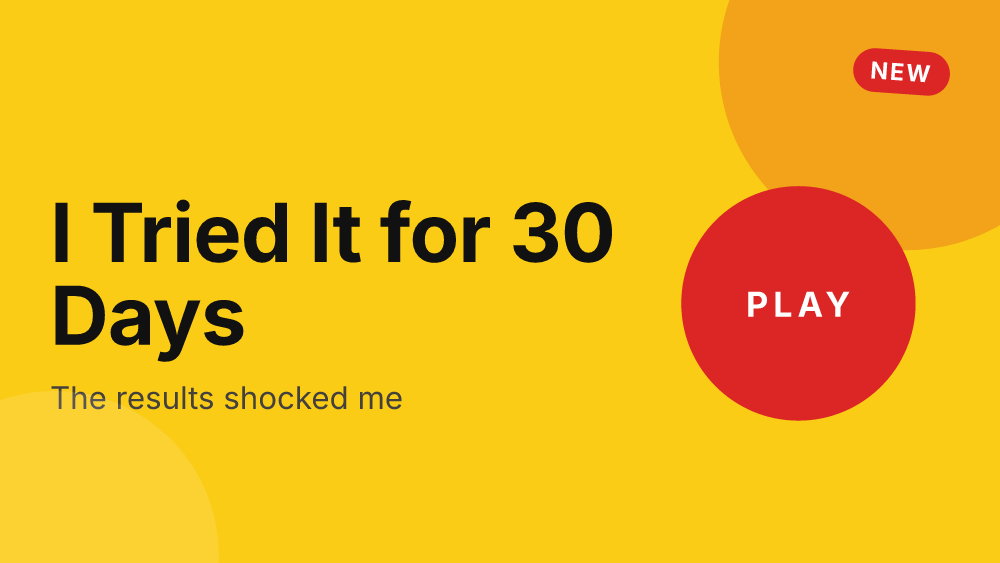
Rendered at 1280 × 720 px. Everything runs in your browser — your text never leaves this page.
Test your thumbnail
Before you publish, look at your design the way viewers actually meet it — tiny in a sidebar, buried in a feed, across the room on a TV, or through squinted eyes. Every view below tracks your live preview as you edit.
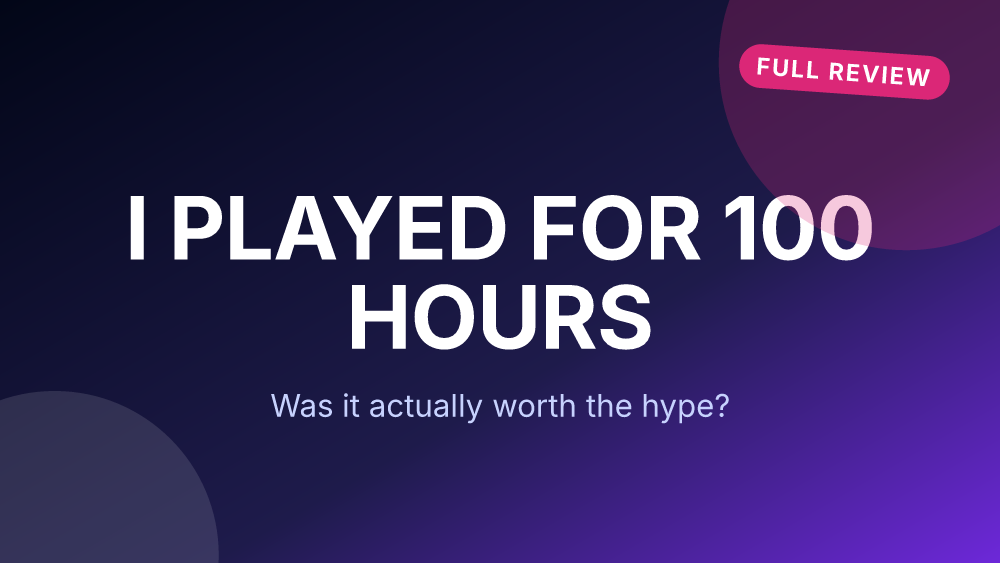
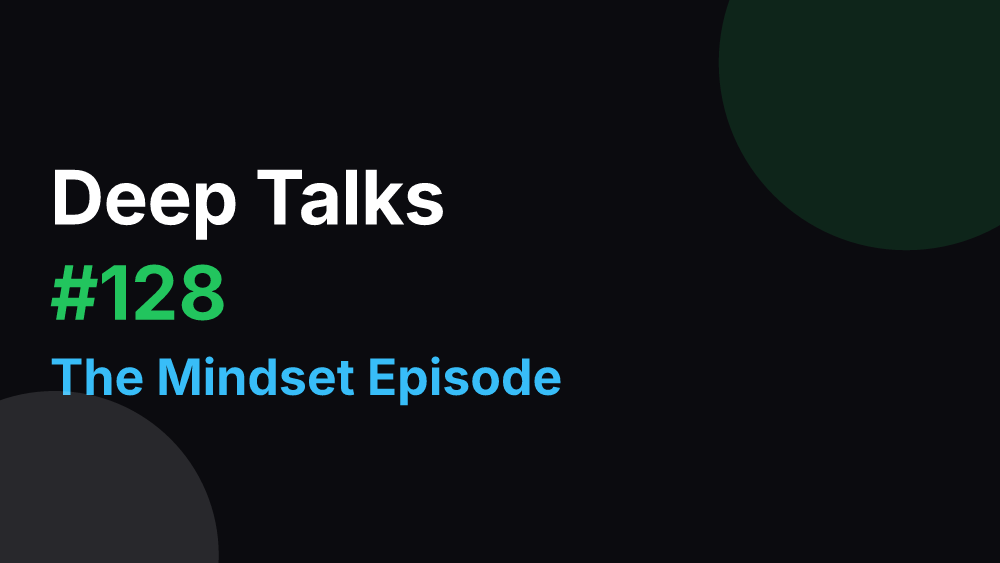

Your thumbnail is in the grid, outlined. Does it interrupt the pattern — or blend in?
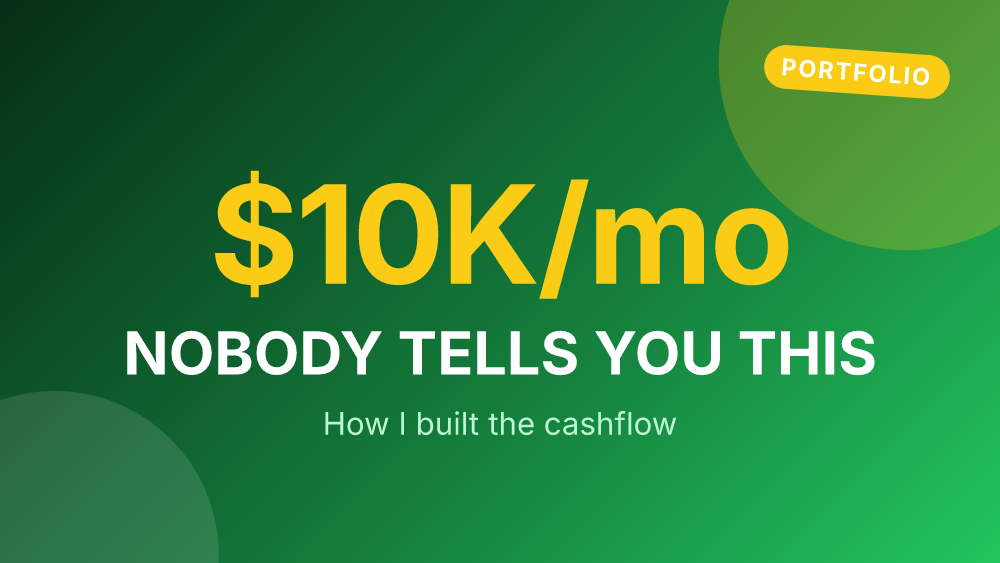
Simulated TV distance — softened and lower-contrast, roughly how it reads from a couch about 3 metres away.
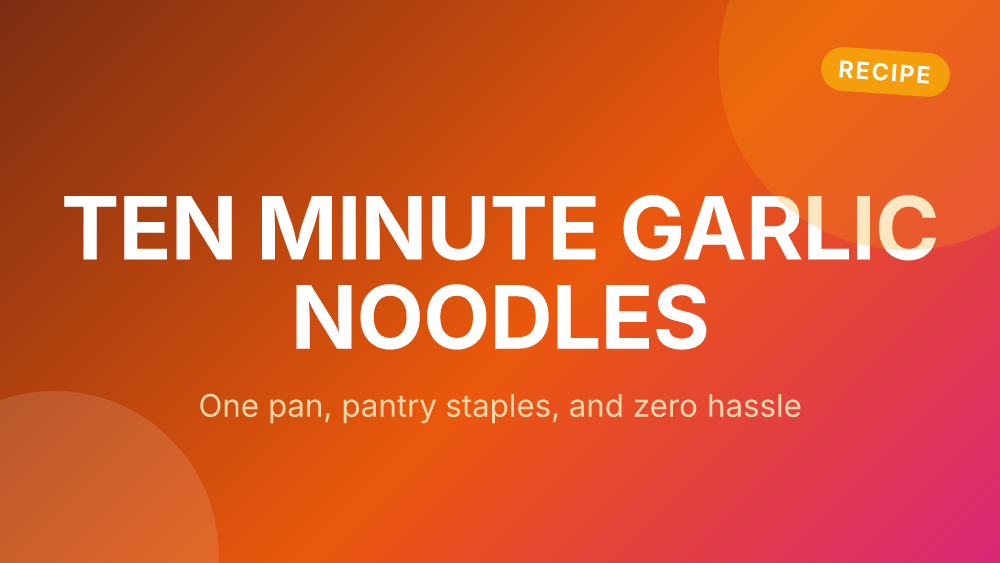
Squint test: if the subject and headline survive the blur, they survive the feed.
12:34 Safe zone: YouTube covers the bottom-right corner with the video's duration. Check that no headline word, face, or logo hides under the badge.
Check it against your title
Run a real test on YouTube
One click renders three genuinely different versions of this design — different layouts and colorways, not just tweaks.
Upload all 3 to YouTube Studio → Test & Compare — YouTube picks the winner by watch time, not clicks.
Log your Test & Compare result
Tested in YouTube Studio — PicForge only keeps your notes, locally in this browser.
Want it done for you? The Thumbnail CTR Pack gives you 3 thumbnail variants plus 5 title options for one video — $9 introductory. Email [email protected] with your video link.
How it works
- Write the hook — a 3–5 word headline, one supporting subtext line, an optional badge (NEW, VS, 2026…).
- Pick a layout and colorway — seven composition archetypes (face + text split, giant stat, highlight bar, split screen…) across six high-contrast backgrounds.
- Download the PNG — a full 1280 × 720 file, ready to upload in YouTube Studio.
Specifications
| Output size | 1280 × 720 px · 16:9 aspect ratio (YouTube recommended) |
|---|---|
| Formats | PNG (recommended for upload — sharpest text) · SVG (for editing and reuse) |
| YouTube rules | Minimum width 640 px · file under 2 MB · PNG, JPG, GIF or BMP accepted |
| Text legibility | Designed for ~10% feed scale — oversized type, 3–5 word headlines |
| Safe area | Keep critical text out of the bottom-right corner — YouTube overlays the duration badge there |
| Layouts | Side panel · Centered · Bottom bar · Highlight bar · Giant stat · Split screen · Podcast dark — seven archetypes from a 112-thumbnail viral study |
| Rendering | Entirely in your browser — your text is never uploaded |
| Cost | Free, unlimited, no watermark, no account |
Good to know
YouTube recommends 1280 × 720 pixels at a 16:9 aspect ratio, but the desktop size hides how thumbnails are actually consumed. In mobile feeds and sidebar recommendations the same image shrinks to well under 150 px wide, so a viewer gets a quarter-second scan, not a read. Effective text-forward thumbnails therefore carry a single visual idea: a bold 3–5 word premise, high luminance contrast, and no fine print. If the headline cannot be parsed at postcard size, the impression is lost no matter how good the video is.
Interface interference is the other silent click killer. YouTube overlays the video duration badge in the bottom-right corner of every thumbnail, so critical text, punchlines or logos placed there get covered in feeds. These layouts keep the headline anchored to a side panel, a centered focal zone or a left-aligned bottom bar, and leave that corner to the badge. Finally, consistency compounds: using the same colorway and type hierarchy across a series trains returning viewers to spot your channel in a crowded feed before they have read a single word.
Frequently asked questions
What is the recommended YouTube thumbnail size?
1280 × 720 pixels with a 16:9 aspect ratio and a minimum width of 640 px — that is the size YouTube recommends for custom thumbnails, and the exact size every design here exports.
Is this thumbnail maker really free? Is there a watermark?
Yes — free, unlimited, no sign-up and no watermark. Rendering happens on your own device, so there is nothing to pay for and nothing to upload.
Should I download PNG or JPG for YouTube?
Either works — YouTube accepts PNG, JPG, GIF and BMP under 2 MB. PNG keeps bold text edges perfectly sharp, so it is the safer default for text-forward thumbnails; the SVG download is for editing in design tools, not for upload.
Why does my thumbnail text look tiny in the app feed?
In mobile feeds and sidebar recommendations your 1280 × 720 thumbnail is displayed at roughly a tenth of its size. That is why these layouts use oversized type and a 3–5 word headline rule: if it is not readable at postcard size, it will not earn the click.
Can I make Shorts thumbnails with this tool?
No — Shorts are vertical (9:16) and their cover is picked from the video itself, so a 1280 × 720 design does not apply. This maker is for standard long-form videos, where a custom thumbnail is the biggest click lever you control.
Can I automate thumbnail generation with an API?
Not yet. Click the Get API button above the preview to see what the future API request will look like and join the beta waitlist for 500 free credits per month at launch.
Next steps
More free tools
OG Image Generator · Certificate Maker · Tweet to Image · Testimonial Cards · Podcast Cover Maker · Color Palette Generator