
Podcast Cover Maker
Design podcast cover art at 3000 × 3000 — the exact size Apple Podcasts and Spotify require. Set your show title and tagline, pick a background, download a PNG. Free forever, no account needed, and your words never leave your browser.
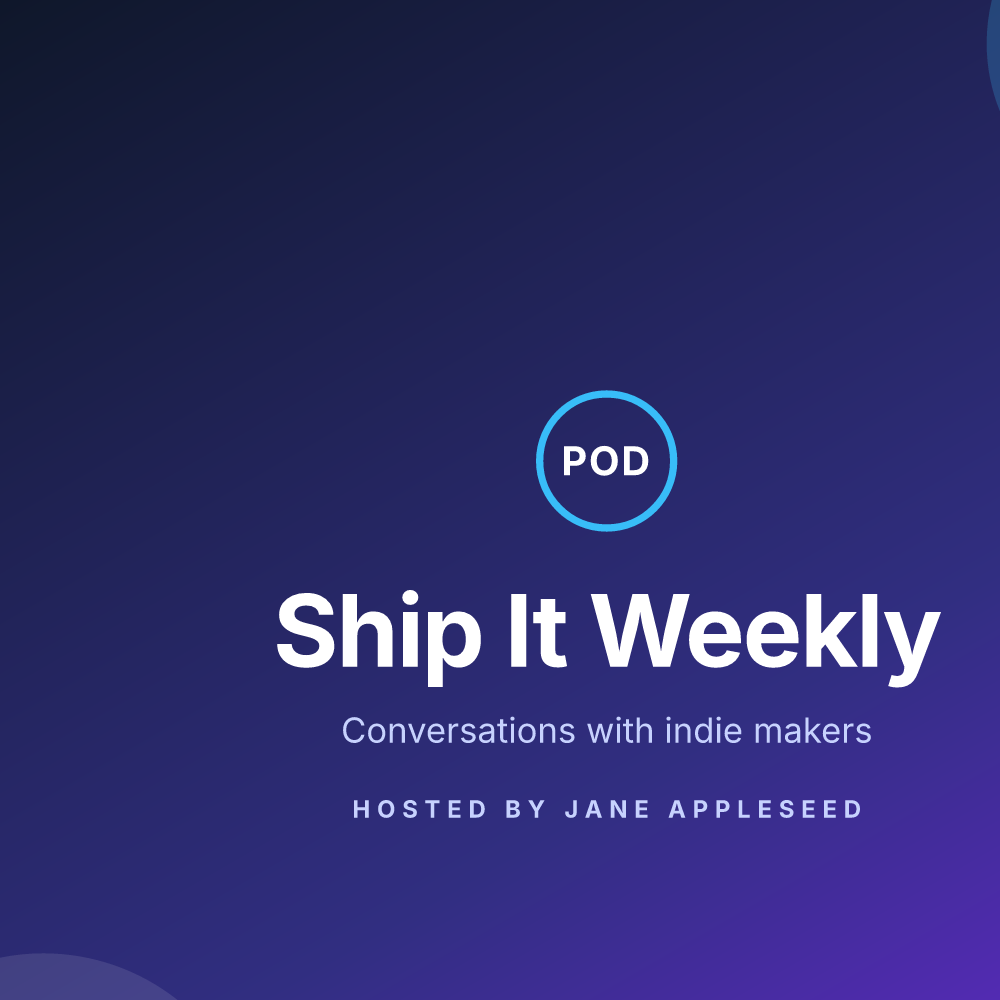
Rendered at 3000 × 3000 px. Everything runs in your browser — your text never leaves this page.
How it works
- Name your show — title, tagline and host line.
- Pick a background — six presets and any accent color, previewed live.
- Download the PNG — a full-resolution 3000 × 3000 file, ready to upload to your podcast host.
Specifications
| Output size | 3000 × 3000 px · 1:1 square |
|---|---|
| Formats | PNG (upload this one) · SVG (for editing and reuse) |
| Apple Podcasts | Square, RGB, JPG or PNG, between 1400 × 1400 and 3000 × 3000 px — this export sits at the top of the range |
| Spotify | Square artwork, minimum 640 × 640 px |
| Backgrounds | Designed backgrounds and accent colors — no photo upload in the current editor |
| Designs | Eight podcast cover styles in the template library, each opening in the editor pre-styled |
| Rendering | Entirely in your browser — your show details are never uploaded |
| Cost | Free, unlimited, no watermark, no account |
Good to know
Every cover exports as a 1:1 square at 3000 × 3000 px, in PNG and SVG. That single size satisfies every major directory without resizing:
- Apple Podcasts: square artwork in RGB, JPG or PNG, between 1400 × 1400 and 3000 × 3000 px — this export sits at the top of that range.
- Spotify: square artwork with a 640 × 640 px minimum — comfortably exceeded here.
Design for how covers are actually seen: in podcast apps your artwork is usually a small thumbnail in lists and search results. The show title has to survive that shrink — few words, very large type, strong contrast. Subtle details and long taglines disappear at thumbnail size. The editor supports that discipline: it builds covers from designed backgrounds, bold type and an accent color, with no photo upload to muddy the contrast.
Frequently asked questions
What size are the generated covers?
Every cover is rendered at 3000 × 3000 pixels — the 1:1 size required by Apple Podcasts, Spotify and all major podcast directories.
Is it really free? Do I need an account?
Yes — free, unlimited, no sign-up and no watermark. Rendering happens on your own device, so there is nothing to pay for and nothing to upload.
Can I automate cover generation with an API?
Not yet. Click the Get API button above the preview to see what the future API request will look like and join the beta waitlist for 500 free credits per month at launch.
PNG or JPG — which should I upload to Apple Podcasts and Spotify?
Both directories accept PNG and JPG. This tool exports PNG, which keeps bold typography perfectly crisp and is fully accepted. If your podcast host enforces a strict file-size limit, convert the PNG to a high-quality JPG before uploading.
What is the difference between show cover art and episode art?
Show art is the primary identity of your whole podcast — it appears in directories, charts and subscriber libraries. Episode art is optional per-episode imagery. Both use the same 1:1 specification, so the same design approach covers both.
Can I use a photo as the cover background?
Not in this editor. Covers are built from designed backgrounds, your title and an accent color. That constraint keeps contrast strong and the title legible at the tiny sizes podcast apps actually display.
Next steps
More free tools
OG Image Generator · Certificate Maker · Tweet to Image · Testimonial Cards · YouTube Thumbnail Maker · Color Palette Generator