
How to Create a Minimalist Podcast Cover on a Budget
Create a minimalist podcast cover on a budget with free tools, readable text, and the right Spotify image dimensions.
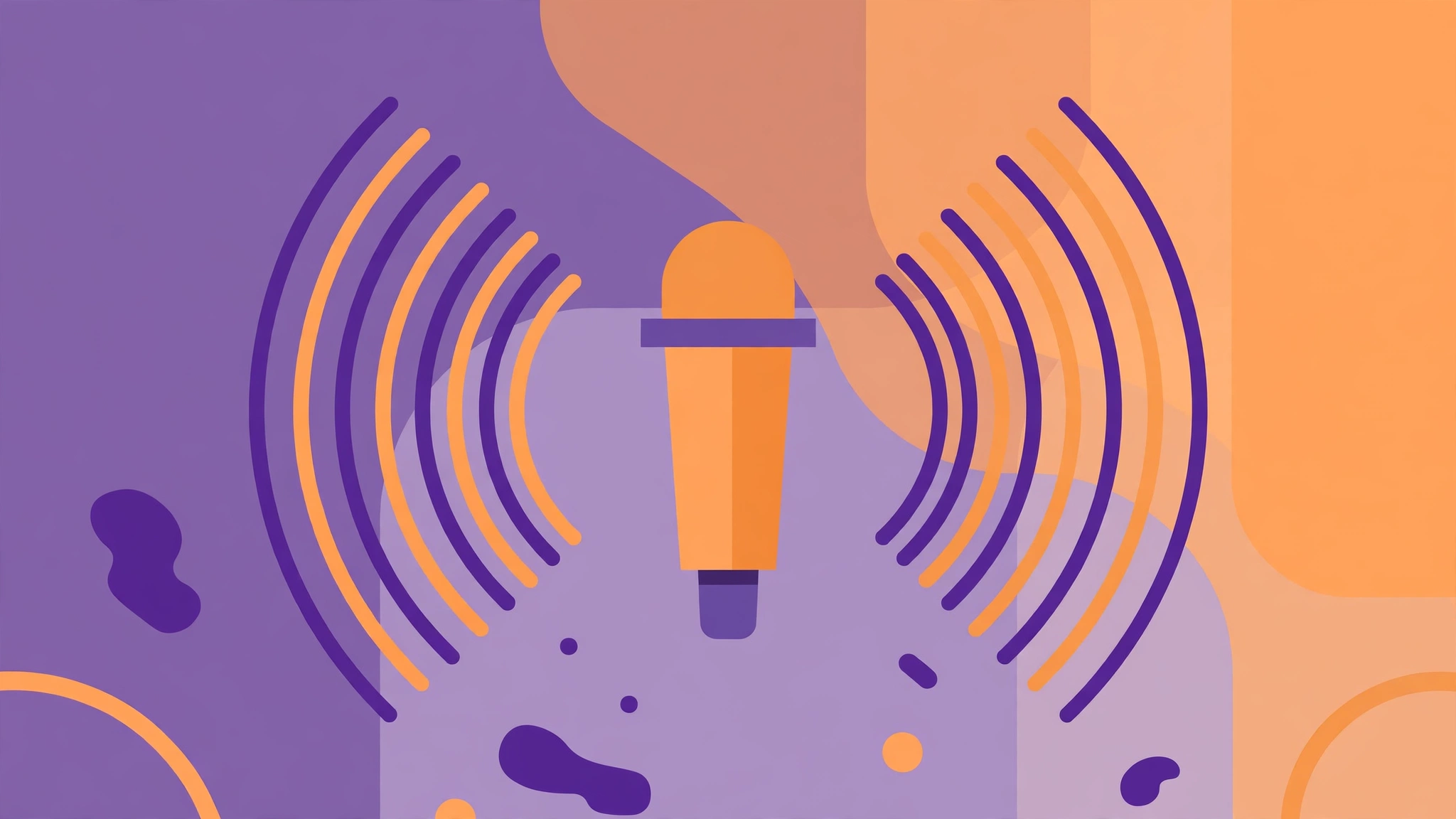
A minimalist podcast cover design can be made with a simple background, a short title, and one visual element that suits the show. You can build it with free tools by working at the right canvas size, checking the text at thumbnail scale, and exporting a clean square image.
TL;DR
Create a square cover with a plain background, minimal text, and one clear focal point. For Spotify, use a 3000 × 3000-pixel canvas when possible; the minimum accepted size is 1400 × 1400 pixels.
Plan the cover before opening a design tool
Write down the show’s title, its subject, and the mood you want the artwork to convey. Then choose the single visual idea that best communicates that mood, such as a simple shape, a portrait, or a small illustration. A focused concept makes it easier to avoid decorative details that compete with the title.
Decide which words belong on the cover. The show title is usually the priority; add a host name or subtitle only if it helps someone identify the podcast. Podcast art often appears as a small thumbnail, so minimal text is easier to read at small sizes.
Choose a free workflow
A browser-based design tool is a practical choice when you need to create a cover without paying for design software. Look for features that let you set a square canvas, add text and images, adjust colors, and export the finished artwork. You can also use a free podcast cover maker to start with a ready-to-edit layout.
| Workflow | Useful when | Watch for |
|---|---|---|
| Start with a blank canvas | You have a clear concept and want direct control over the layout. | Keep the number of elements low so the cover stays readable. |
| Adapt a template | You want a starting layout for the title and visual. | Remove details that do not support the show’s identity. |
| Use a podcast cover maker | You want a focused tool for creating podcast artwork. | Check the export size and inspect the final image before uploading. |
Free tools vary in their features and export options. Check that the one you choose can create a square image at a size accepted by your podcast platform.
Set the canvas size
Spotify displays podcast covers at 3000 × 3000 pixels in a 1:1 aspect ratio, and its minimum accepted size is 1400 × 1400 pixels. If you are preparing artwork for Spotify, make the canvas 3000 × 3000 pixels when your tool supports it. A smaller canvas should meet at least the stated minimum.
A square canvas gives you a useful starting point for podcast cover artwork. Before publishing, check the current requirements of any other platform where you plan to distribute the show, since this guide only gives Spotify’s stated dimensions.
Build a simple visual hierarchy
Visual hierarchy means arranging elements so viewers notice the most important one first. For most covers, the title should be easy to spot, while the image and background provide context without overpowering it.
- Choose a background color that supports the show’s mood.
- Add the title in a readable typeface, then adjust its size and placement.
- Add one main visual, such as a portrait or simple graphic.
- Remove extra wording or decoration that draws attention away from the title.
- Check that every element fits comfortably inside the square canvas.
A limited color palette can help the elements feel like part of the same design. Choose colors with enough contrast between the title and its background. If the title blends into the background, change the text color, background, or placement before adding effects.
Make the title readable as a thumbnail
A cover that looks clear at full size may become hard to read when displayed as a small thumbnail. Zoom out in your design tool or preview the artwork at a smaller display size. If the title becomes difficult to recognize, shorten it, enlarge it, or simplify the lettering.
Use only as much text as the cover needs. A long subtitle can crowd the design, and small lettering may be difficult to read in podcast apps. Keep decorative type effects restrained so they do not make the title harder to identify.
Keep the design affordable
You can create a polished-looking cover without buying stock art or paid software. Start with shapes, colors, and lettering available in your chosen tool, then add an image only if it contributes something specific to the show’s identity. A portrait or original graphic can work as the main visual, but it does not need a collection of extra effects to be clear.
If you use an image, make sure you have permission to use it. Keep a working copy of the design so you can update the title or artwork later without rebuilding the cover from scratch. Before exporting, remove any unused layers or elements that accidentally remain on the canvas.
Review and export the cover
Use this checklist before saving the final artwork:
- Confirm that the canvas is square.
- Confirm that the image meets the platform’s size requirements.
- Read the title at a small display size.
- Check that the text contrasts with the background.
- Look for clipped letters, misplaced elements, or spelling errors.
- Export the design in an image format accepted by your podcast platform.
After exporting, open the saved image and inspect it again. This catches problems that may not be obvious in the editing view, including missing elements or an unintended crop. Keep the exported file and the editable design together so future changes are easier to make.
FAQ
What size should a Spotify podcast cover be?
Spotify displays podcast covers at 3000 × 3000 pixels, with a 1:1 aspect ratio. The minimum accepted size is 1400 × 1400 pixels.
How do I make podcast cover art readable at small sizes?
Keep the cover text minimal and make the title the clearest text element. Preview the design at a small display size, then simplify or enlarge the title if it becomes difficult to read.
Can I make a podcast cover without paying for software?
Yes. A free browser-based design tool or podcast cover maker can be enough for a simple cover. Check that the tool supports a square canvas and an export size that meets your platform’s requirements.
What should I put on a minimalist podcast cover?
Start with the podcast title and one visual element that fits the show. Add a host name or subtitle only when it helps identify the podcast and remains readable at thumbnail size.
Create your artwork with Podcast Cover Maker, a free tool that needs no signup.
Related articles
Illustrated vs Photographic Podcast Cover Art
Compare illustrated vs photographic podcast covers, see which stays legible at thumbnail size, and get the right Spotify dimensions.
Apple Podcasts and Spotify Cover Art Dimensions
Get podcast cover art dimensions for Apple Podcasts and Spotify, plus export settings and tips for readable thumbnail designs.

How to Turn Raw Customer Reviews into Visual Proof
Turn customer reviews into accurate visual proof cards with practical steps for choosing quotes, adding attribution, designing, and checking each image.