
What Is an OG Image?
An og:image is a designated visual preview asset defined in a
webpage's metadata for display on social media feeds and messaging
channels. It establishes visual consistency across platforms when links
are shared for blog headers, landing pages, and preview cards. Adding one
ensures that modern web crawlers can display a clean, high-resolution
visual summary instead of leaving link previews degraded or incomplete.
Specifications
| Standard size | 1200 × 630 px |
|---|---|
| Aspect ratio | 1.91:1 |
| Formats | PNG (use this as your og:image); SVG (for editing and reuse — platforms do not accept SVG og:image files) |
| 1200 × 630 px recommended · minimum 200 × 200 px | |
| 1200 × 627 px recommended — a 1200 × 630 px image renders identically | |
| X (Twitter) | summary_large_image card, displays at roughly 2:1 |
| File weight | Keep the exported PNG under ~1 MB so the first scrape stays fast |
An example
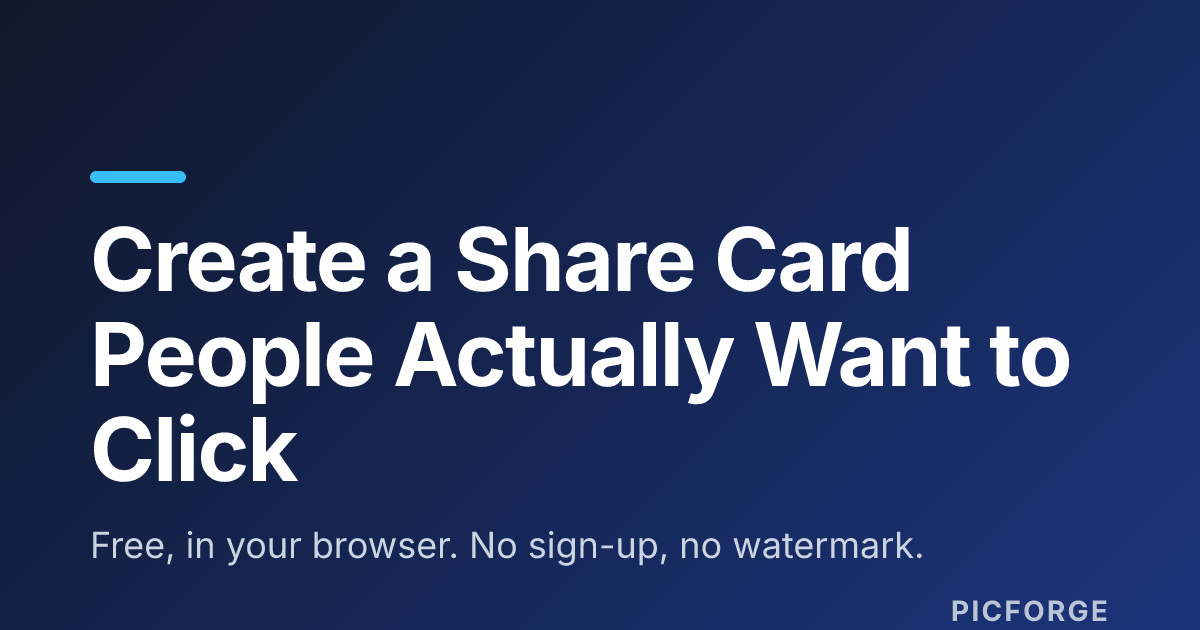
Which Open Graph tags does a page need?
og:type: Specifies the type of content or resource being shared on the page.og:title: Defines the headline or title shown on the shared preview card.og:description: Provides a concise subtitle or textual summary for the preview card.og:url: Represents the canonical link or web address of the shared page.og:image: Specifies the URL of the visual preview image displayed across social feeds and link cards.
Frequently asked questions
What size should an og image be?
An og:image should be 1200 × 630 pixels with a 1.91:1 aspect ratio. This is the standard size recommended across Facebook, LinkedIn (which recommends 1200 × 627 px, rendering identically), and X (summary_large_image displaying at roughly 2:1).
Can platforms use SVG og images?
No. Platforms and social crawlers do not accept or render SVG files as an og:image, which may cause link cards to display as blank or broken. You should always use PNG for your live og:image and keep SVG files strictly for design editing and reuse.
What happens if a page has no og:image?
If a page omits an og:image, platforms may fall back to other images found on the page or display no preview image at all. To prevent unpredictable or missing visual cards, specify an explicit 1200 × 630 PNG in your Open Graph tags.
How can I make one for free?
You can use a free browser-based tool like the PicForge Free OG Image Generator. It lets you type your text, choose from preset background styles and accent colors, and download a crisp, watermark-free 1200 × 630 PNG immediately with no account or sign-up required.
Design your own link previews now with the free PicForge OG Image Generator. If you prefer a done-for-you option with setup instructions and a public-page check, see the $9 Share Card Pack.